
 Softory
CapCut
A Windows video editor with a multitrack timeline, effects, transitions, captions, audio processing, and AI-powered creative tools.
Gallery
Description
CapCut Desktop — video editing on Windows
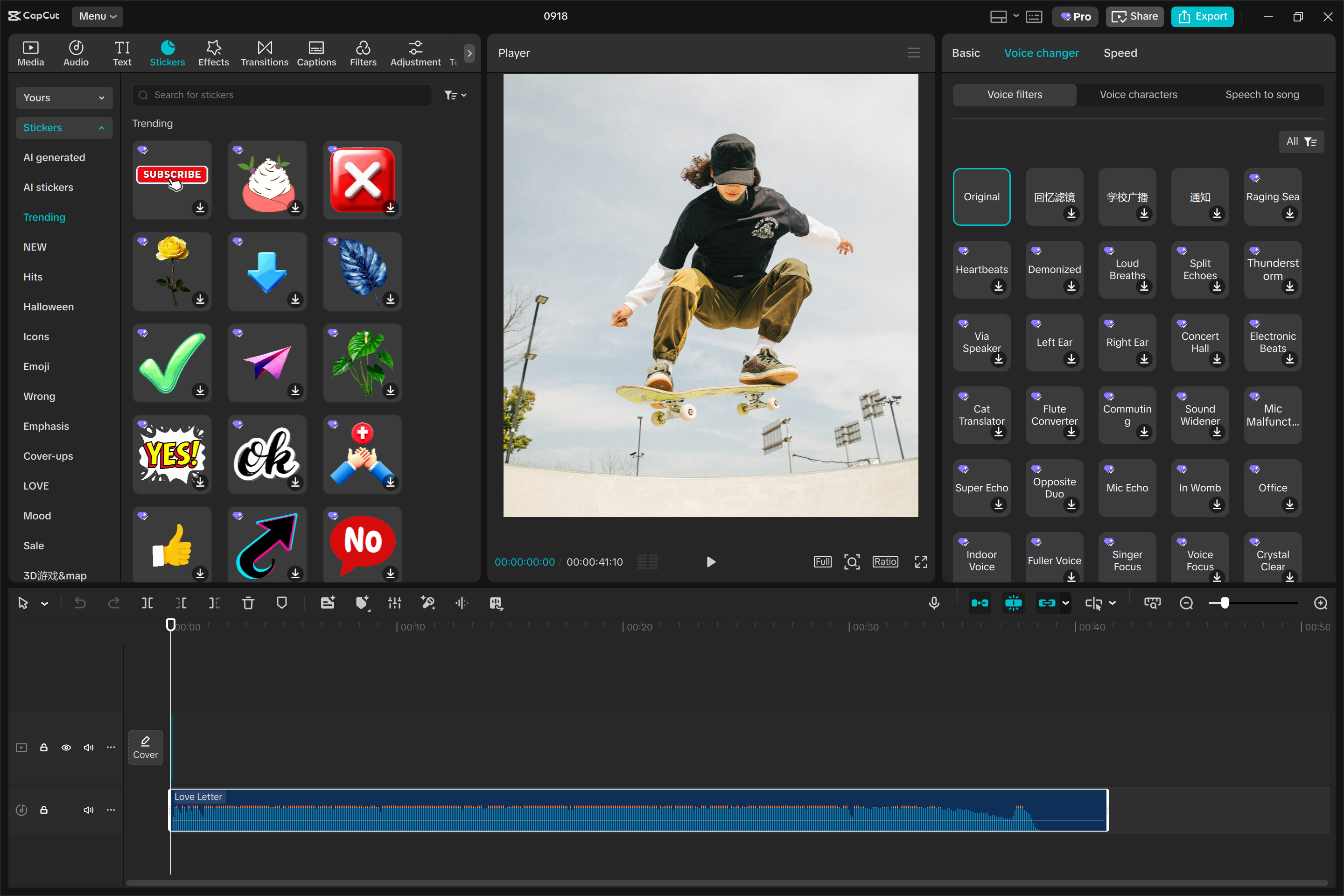
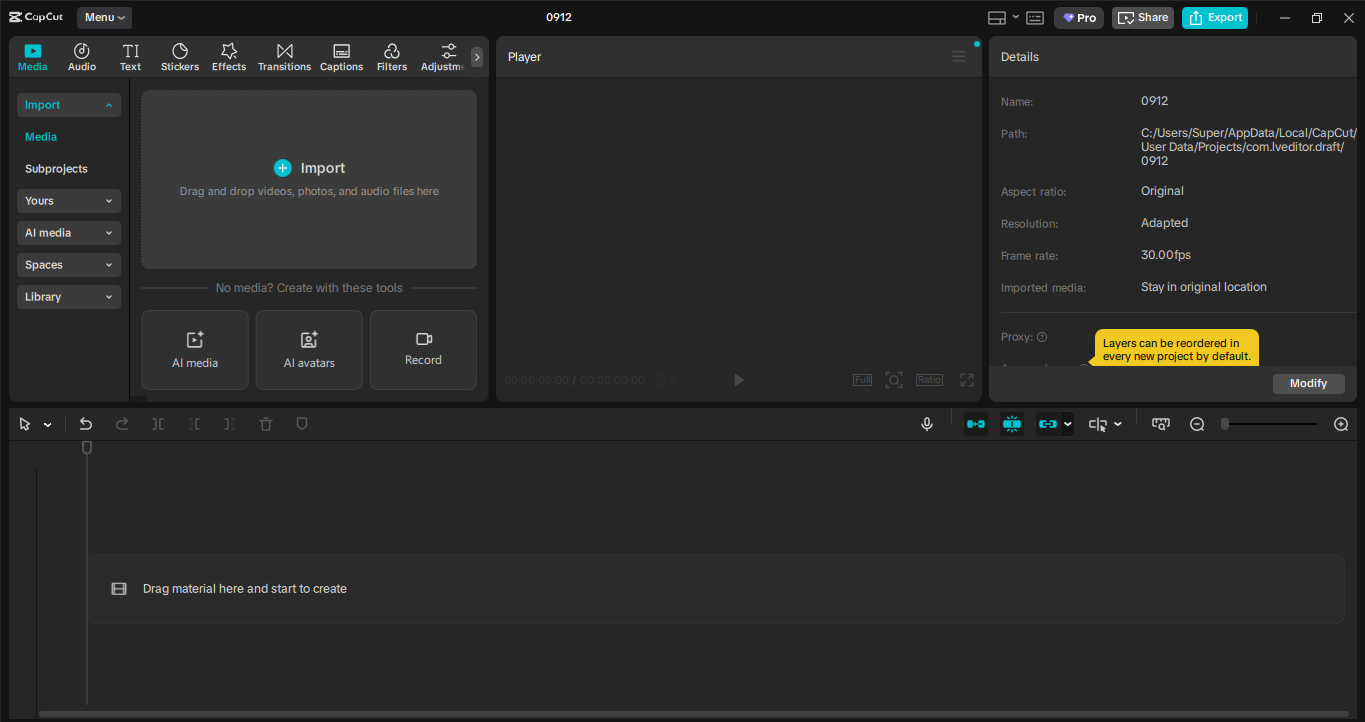
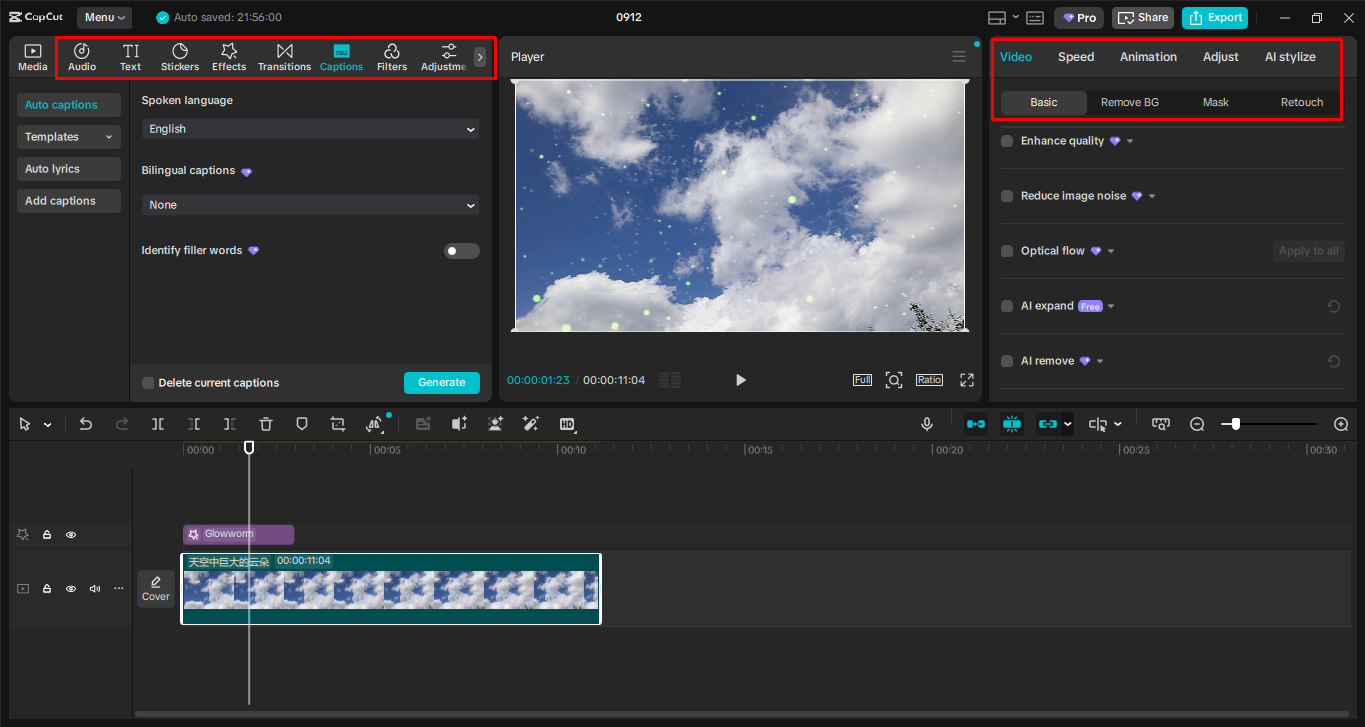
CapCut Desktop is ByteDance’s desktop editor for videos, short-form clips, and social content. It combines a multitrack timeline, transitions, filters, audio, text and caption tools, plus a growing set of AI-assisted features.
Main features
- trim, split, and combine footage on a timeline;
- keyframes, speed curves, transitions, and visual effects;
- automatic and bilingual captions;
- background removal, noise reduction, and image enhancement;
- libraries of stickers, music, templates, and filters;
- export controls for resolution, frame rate, bitrate, and codec;
- project synchronization through a CapCut account.
Free and paid features
Core editing tools are free. Items marked Pro, some cloud assets, and selected AI features require a subscription, an account, or an internet connection.
Why version 8.4 is listed
The source ranking named version 8.1.1, but CapCut no longer distributes that build through its official website. This page therefore links the current official installer; the presently offered Windows package is version 8.4.0.3581. An obsolete build from an unofficial mirror is deliberately not used.
Comments 0
Sign in with ArisID to leave a comment.
Description
CapCut Desktop — video editing on Windows
CapCut Desktop is ByteDance’s desktop editor for videos, short-form clips, and social content. It combines a multitrack timeline, transitions, filters, audio, text and caption tools, plus a growing set of AI-assisted features.
Main features
- trim, split, and combine footage on a timeline;
- keyframes, speed curves, transitions, and visual effects;
- automatic and bilingual captions;
- background removal, noise reduction, and image enhancement;
- libraries of stickers, music, templates, and filters;
- export controls for resolution, frame rate, bitrate, and codec;
- project synchronization through a CapCut account.
Free and paid features
Core editing tools are free. Items marked Pro, some cloud assets, and selected AI features require a subscription, an account, or an internet connection.
Why version 8.4 is listed
The source ranking named version 8.1.1, but CapCut no longer distributes that build through its official website. This page therefore links the current official installer; the presently offered Windows package is version 8.4.0.3581. An obsolete build from an unofficial mirror is deliberately not used.
Resource information
- Rating:
- 4.70/5 votes — 0
- License:
- Free / optional Pro features
- Version:
- 8.4.0.3581
- Updated:
- 2026-07-20
- OS:
- Windows 10, 11 (64-bit)
- Supported languages:
- English, Russian and others
- Developer:
- ByteDance / CapCut
- Category:
- Video editors
- Downloads (today/total):
- 2 / 2
- Size:
- 2.75 MB (веб-установщик)
No comments yet. Будьте первым.